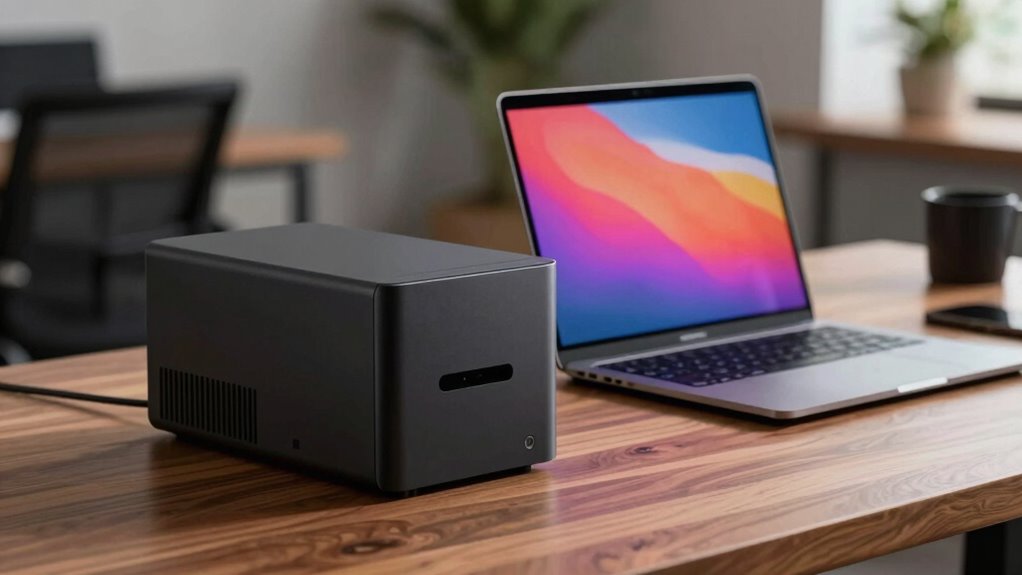

Choosing between a mini PC, laptop, or desktop depends on your need for portability, performance, and quiet operation. Laptops offer great mobility, while mini PCs provide a compact, energy-efficient balance suited for static setups. Desktops deliver maximum power and customization but tend to be noisier and less portable. To discover which option best fits your workspace, explore the details that can help shape your ideal quiet office environment.

Prime made for students and young adults
- Fast, free delivery for dorm and study essentials
- Prime Video and Amazon Music included
- Member-only deals
Key Takeaways
- Mini PCs and laptops produce less noise and heat, creating a quieter workspace compared to traditional desktops.
- Laptops offer superior portability, ideal for mobile or remote work environments.
- Desktops generally provide higher performance and better upgradeability, suitable for demanding tasks.
- Mini PCs balance size and performance but are less portable than laptops.
- Energy-efficient designs in mini PCs and laptops support sustainable, quiet office environments.
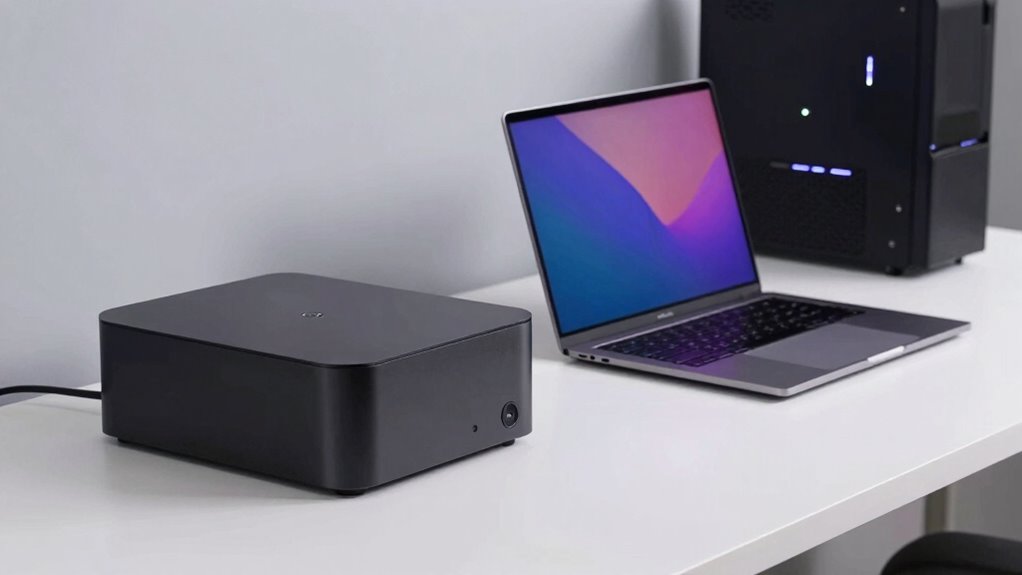
Choosing the right office hardware can considerably impact your productivity and comfort, especially when noise levels matter. Whether you opt for a mini PC, a laptop, or a desktop, understanding their differences helps you make an informed decision that aligns with your work needs. For example, if energy efficiency is a priority, a mini PC might be your best choice. These compact machines typically consume less power than traditional desktops, making them ideal for a quiet, energy-conscious office environment. They generate less heat and noise, which can contribute to a more comfortable workspace. Plus, many mini PCs are designed with upgradeability in mind, allowing you to swap out components like RAM or storage as your needs evolve, prolonging their usefulness and reducing waste.
Laptops, on the other hand, offer portability that desktops and mini PCs can’t match. If your work requires mobility—whether you’re moving between meetings or working remotely—laptops provide the flexibility you need. Despite their portability, modern laptops are increasingly energy-efficient, often boasting long battery life and low power consumption. They’re also designed with quiet operation in mind, especially premium models that feature advanced cooling systems and noise-reducing hardware. In addition, when it comes to upgradeability, laptops are generally limited. You might be able to upgrade RAM or storage, but replacing the CPU or GPU is usually not an option, which could limit their lifespan if your workload increases or technology advances. Considering manufacturers’ sustainability efforts can also influence your choice, as some brands prioritize environmentally friendly materials and energy-efficient designs.
Desktops remain a popular choice for many offices due to their performance and customization options. They tend to deliver higher processing power and better thermal management, which results in quieter operation at high loads. Desktops also excel in upgradeability, letting you swap out components to keep pace with evolving technology or increased workload demands. However, they tend to consume more energy and generate more heat, which can lead to increased noise from cooling fans. If you prioritize a quiet environment and plan to keep your hardware for the long term, a desktop with energy-efficient components and good upgradeability might be the best fit.
Ultimately, your choice depends on balancing these factors—if you value portability, a laptop might serve you best. If energy efficiency and upgradeability are your primary concerns, a mini PC or a desktop could be more suitable. Consider your work environment, future needs, and comfort to select hardware that keeps your productivity high while maintaining a quiet, energy-efficient workspace. Additionally, selecting a projector with high contrast ratios and accurate color reproduction can further enhance your home or office setup for presentations and multimedia use.
As an affiliate, we earn on qualifying purchases.
Frequently Asked Questions
How Does Hardware Upgradeability Differ Among Mini PCS, Laptops, and Desktops?
You’ll find that desktops excel in hardware customization, allowing you to upgrade components like RAM, storage, and graphics easily. Laptops have some upgrade limitations due to their compact design, often restricted to RAM or storage. Mini PCs usually offer minimal upgrade options because of their small form factor. So, if upgradeability matters most, desktops give you the most flexibility, while laptops and mini PCs have more limited upgrade options.
Which Option Offers the Best Energy Efficiency for Quiet Office Environments?
You’ll find that laptops generally offer the best energy efficiency for quiet office environments. They consume less energy due to smaller power supplies and integrated components, resulting in lower noise levels. Mini PCs also excel in energy consumption, often outperform desktops in this area, and they tend to be quieter. Desktops, while customizable, usually have higher energy consumption and noise levels, making them less ideal if quietness is your priority.
Are There Significant Security Concerns Specific to Each Hardware Type?
You’re right to be cautious—each hardware type has its own security pitfalls. Mini PCs, laptops, and desktops all face risks like unauthorized remote access and data breaches. You need strong data encryption and secure remote access protocols to stay safe. Keep in mind, a lock is only as good as the key, so regularly update security measures and stay vigilant to prevent breaches. Don’t put all your eggs in one basket.
How Do Connectivity Options Vary Across Mini PCS, Laptops, and Desktops?
You’ll find that wireless connectivity options are generally similar across all three, with Wi-Fi and Bluetooth being standard. However, port versatility varies; desktops often offer the most, with multiple USB, HDMI, and Ethernet ports. Laptops have fewer ports but include built-in wireless options for mobility. Mini PCs usually strike a balance, providing some ports and wireless connectivity, making them flexible for various office setups.
What Are the Long-Term Cost Implications of Each Hardware Choice?
You’ll find that long-term costs depend on brand reliability and warranty coverage. Investing in reputable brands often means fewer repairs and better durability, saving you money over time. Extended warranty options can protect against unexpected expenses, especially for desktops and laptops. Mini PCs may have lower initial costs but could incur higher replacement costs if components fail. Balancing upfront expenses with reliable warranty coverage helps you make the most cost-effective choice.
energy-efficient laptop with long battery life
As an affiliate, we earn on qualifying purchases.
As an affiliate, we earn on qualifying purchases.
Conclusion
Ultimately, choosing between a mini PC, laptop, or desktop depends on your specific needs and space constraints. While some believe mini PCs are the quietest option, recent advancements show that desktops can also operate silently with proper cooling. The truth is, technology’s evolution suggests that noise levels are more about hardware quality than form factor. So, don’t just follow trends—test different options yourself to find the quiet, efficient setup that truly fits your office.
low noise desktop computer for work
As an affiliate, we earn on qualifying purchases.
As an affiliate, we earn on qualifying purchases.
As an affiliate, we earn on qualifying purchases.
Fall Picks
fall essentials
As an affiliate, we earn on qualifying purchases.