
📊 Full opportunity report: Build vs Buy a Prebuilt AI Workstation on ThorstenMeyerAI.com — validation score, market gap, and execution plan.
Get ready for Prime Big Deal Days — try Prime free
Exclusive member deals on October 6–7, plus fast free delivery. Cancel anytime.
Start your free trialAs an affiliate, we earn on qualifying purchases.
TL;DR
In 2026, the traditional cost advantage of building your own AI workstation has diminished due to component shortages and price spikes. Buyers now must weigh control and customization against convenience and validation offered by prebuilt systems.
In 2026, the long-standing assumption that building your own AI workstation is always cheaper than buying prebuilt no longer holds true, due to sharp increases in component prices and supply chain constraints.
Component shortages and price spikes, especially in DDR5 RAM, GPUs, and SSDs, have made DIY AI workstations more expensive than in previous years. Meanwhile, prebuilt vendors like Lambda, Puget Systems, and BIZON have leveraged bulk purchasing and rigorous thermal validation to offer systems at competitive or even lower prices, often with extended warranties and pre-installed AI stacks.
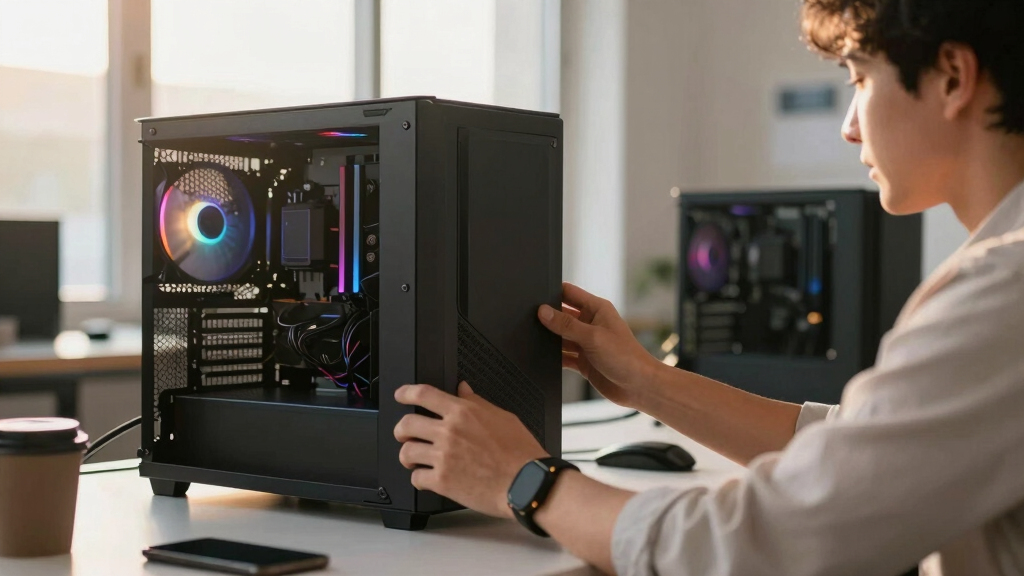
Traditionally, DIY builders enjoyed cost savings and customization, but recent market dynamics have shifted this balance. Building a high-performance AI workstation now requires significant thermal expertise—undervolting GPUs, optimizing airflow, and selecting cooling solutions—to achieve quiet, stable operation. You might want to consider building a prebuilt AI workstation for easier setup. Prebuilts, however, come with validated thermals, factory tuning, and support, reducing setup time and risk for professional users.
The decision now hinges on whether users value control and learning or prefer plug-and-play convenience, especially as component costs fluctuate unpredictably in 2026.
Build vs buy
an AI workstation.
The real question behind this whole series: do you pull the five heat-and-noise levers yourself, or buy a prebuilt where the vendor pulled them for you? And in 2026, the old “building is cheaper” rule has broken. Match your situation in Part 3.
Why 2026 Changes the Build vs Buy Equation
The rising cost of individual components and the availability of validated, tested prebuilt systems mean that the traditional advantage of DIY building is diminishing. For professionals and enthusiasts, this shift impacts budgeting, thermal management strategies, and the level of control over their hardware. It also influences procurement decisions, especially for multi-GPU setups where thermal and power management are complex.
This new landscape requires careful price comparison and consideration of personal expertise, as the cost and effort involved in building a prebuilt AI system may no longer be justified purely by savings.
As an affiliate, we earn on qualifying purchases.
Market Conditions and Component Shortages in 2026
In 2026, global supply chain disruptions and increased demand for AI hardware have driven up prices for key components such as DDR5 RAM, high-end GPUs, and SSDs. These shortages have affected both retail and wholesale markets, making DIY builds more expensive than before. Meanwhile, large vendors have secured bulk supplies and optimized thermal solutions, allowing them to offer systems at competitive prices with validated performance.
Historically, building a custom AI workstation was significantly cheaper, but recent market conditions have reversed this trend, prompting a reevaluation of the build versus buy decision.
"The traditional cost advantage of building your own AI workstation has evaporated in 2026, as component prices spike and supply chain issues persist."
— Thorsten Meyer, AI hardware expert
high performance thermal management cooling system
As an affiliate, we earn on qualifying purchases.
As an affiliate, we earn on qualifying purchases.
Uncertainties in Market Pricing and Thermal Optimization
It remains unclear whether component prices will stabilize or continue to rise in the coming months, which could further shift the cost-benefit analysis. Additionally, the effectiveness of thermal tuning by DIY builders varies widely, and not all users possess the expertise required to optimize their systems for quiet, stable operation under sustained load.
professional AI workstation warranty
As an affiliate, we earn on qualifying purchases.
As an affiliate, we earn on qualifying purchases.
Future Trends in AI Workstation Procurement
Expect ongoing price fluctuations in key components and increased availability of validated prebuilt systems tailored for AI workloads. Manufacturers are likely to continue offering systems with factory-validated thermals and extended warranties, making prebuilt options more attractive for many users. Meanwhile, DIY builders may focus on niche customizations or wait for market stabilization before making large investments.
As an affiliate, we earn on qualifying purchases.
Key Questions
Is building my own AI workstation still cheaper in 2026?
Not necessarily. Due to component shortages and price increases, prebuilt systems often match or beat DIY costs today, especially when factoring in thermal validation and warranty.
What are the main advantages of buying a prebuilt AI workstation?
Prebuilts offer plug-and-play convenience, validated thermals, factory testing, and warranty support, reducing setup time and technical risk. For more details, see our guide on building vs buying AI workstations.
Can I customize a prebuilt system to my needs?
Yes, many vendors offer configurable options, and some support upgrades post-purchase, but full customization may be limited compared to building from scratch.
What thermal management considerations should I be aware of?
High-performance GPUs and CPUs generate significant heat; effective cooling—air or water—is essential. Prebuilts often come with optimized cooling, while DIYers need to select and tune components carefully.
Will component prices stabilize soon?
It is uncertain; current market volatility suggests prices may remain high or fluctuate unpredictably in the near term, influencing purchase decisions.
Source: ThorstenMeyerAI.com
Fall Picks
fall essentials
As an affiliate, we earn on qualifying purchases.



![Paxos Made Simple (2001) [Pdf]](https://greeksceptic.com/wp-content/uploads/2026/07/paxos-made-simple-2001-pdf-featured-560x300.jpg)