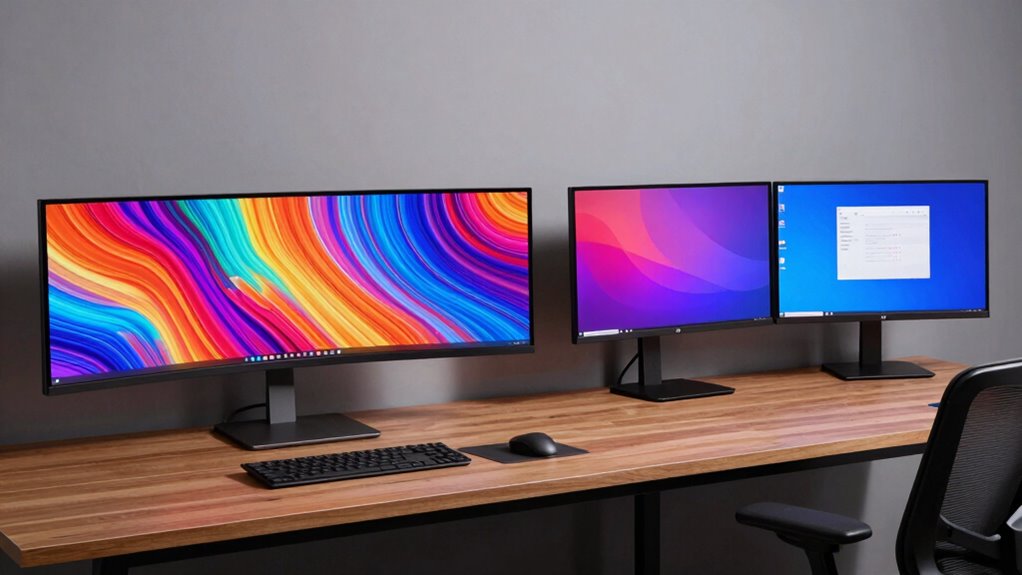

Choosing between ultrawide and dual monitors depends on your workflow and workspace needs. Ultrawides offer a seamless, immersive experience, reducing eye strain and clutter, ideal for creative tasks or data analysis. Dual monitors provide flexibility, allowing you to customize setups for multitasking. Cost and desk space are factors too. To discover which setup best boosts your productivity and fits your style, explore the key differences that could shape your workspace.

Prime made for students and young adults
- Fast, free delivery for dorm and study essentials
- Prime Video and Amazon Music included
- Member-only deals
Key Takeaways
- Ultrawide monitors provide a seamless, immersive workspace ideal for creative tasks and reducing distractions.
- Dual monitors offer customizable angles and dedicated spaces, enhancing multitasking flexibility.
- Ultrawides are more cost-effective and space-saving, simplifying setup and reducing clutter.
- Dual monitors excel in multitasking by isolating tasks, but bezel gaps may disrupt workflow.
- Choice depends on workflow needs, ergonomic preferences, workspace constraints, and budget considerations.
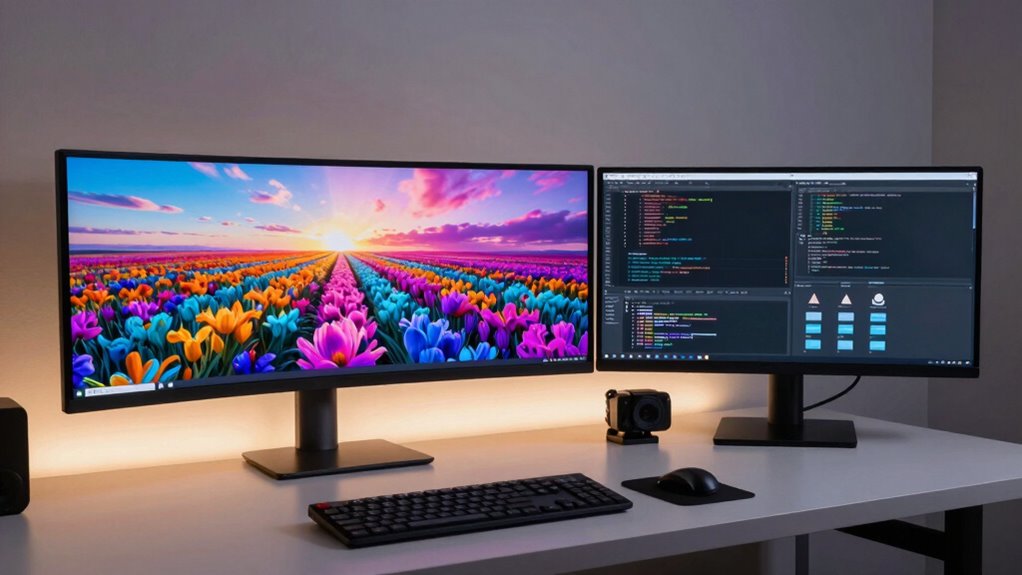
Are ultrawide monitors better than dual monitors? That’s a question many people ask when trying to optimize their workspace for productivity. Ultrawide monitors offer a seamless, expansive display that can mimic the experience of having multiple screens without the clutter of bezels or the need to manage multiple connections. Their ergonomic design promotes a more natural viewing experience, reducing neck and eye strain because you don’t have to shift your head between separate screens. Instead, you get a wide, continuous workspace that encourages a more comfortable posture, especially if you spend long hours working on complex tasks. Additionally, digital concepts like screen real estate and ergonomic design play a crucial role in enhancing overall productivity and comfort.
Ultrawide monitors provide a seamless, ergonomic workspace that reduces strain and enhances focus for extended tasks.
When it comes to cost comparison, ultrawide monitors tend to be more budget-friendly than purchasing a pair of high-quality dual monitors. While a large ultrawide can sometimes cost as much as two mid-range monitors, it consolidates your setup, cutting down on the need for extra cables, mounts, or stands. In the long run, you might save money by choosing an ultrawide that fits your needs rather than investing in multiple screens, which also require more desk space and power outlets. Additionally, fewer components mean fewer potential points of failure and less hassle in setup and maintenance.
However, the choice isn’t just about price. Dual monitors often provide more flexibility because you can position them for different angles or heights, which some users find more ergonomic depending on their workflow. They’re also better suited for multitasking, as you can dedicate each display to specific tasks without overlapping windows or apps. But this setup can come with drawbacks; you might experience increased desk clutter, and the bezels between screens could interrupt your workflow, especially if you’re working on tasks that benefit from a smooth, uninterrupted view.
In terms of productivity, ultrawide monitors excel at offering a unified space that encourages focus and minimizes distractions. You can view multiple apps side by side without resizing windows or dealing with distracting bezels. For creative work, data analysis, or gaming, the immersive experience of an ultrawide can be a game-changer. Dual monitors, on the other hand, provide more versatile positioning, which might be better for tasks like coding, where you want a dedicated coding window on one screen and a preview or documentation on another.
Ultimately, your decision hinges on your specific needs, workspace constraints, and budget. If you prioritize a clean, immersive experience with ergonomic benefits and cost savings, an ultrawide might be your best choice. But if you need maximum flexibility and dedicated spaces for different tasks, dual monitors could serve you better.
ultrawide monitor for productivity
As an affiliate, we earn on qualifying purchases.
As an affiliate, we earn on qualifying purchases.
Frequently Asked Questions
Which Monitor Type Is Better for Gaming Performance?
For gaming performance, ultrawide monitors often deliver better gaming immersion thanks to their wider field of view, making you feel more engaged. However, they can sometimes cause visual distortion in certain games, affecting clarity. Dual monitors provide flexibility and less visual distortion but may break immersion by creating a segmented view. Choose based on whether you prioritize immersive gameplay or versatility, keeping in mind potential visual distortion issues with ultrawides.
How Do Ultrawide and Dual Monitors Compare in Cost?
Think of choosing between ultrawide and dual monitors as steering through a bustling marketplace. Ultrawides often cost more upfront but streamline your setup, reducing complexity and saving money in the long run. Dual monitors might seem cheaper initially, but they can require extra accessories and adjustments. Your budget considerations and willingness to tackle setup complexity will guide your choice, balancing cost with ease of use for the best overall value.
Are There Compatibility Issues With Ultrawide Monitors?
You might face compatibility issues with ultrawide monitors, especially related to resolution challenges and mounting solutions. Some older graphics cards may struggle to support the high resolution, causing display problems or limited performance. Additionally, finding suitable mounting solutions can be tricky, as standard mounts may not fit these wider screens properly. Make certain your hardware and mounting options are compatible before investing to guarantee smooth operation.
Which Setup Is More Suitable for Creative Professionals?
As a creative professional, an ultrawide monitor often suits you better because of its seamless workspace, enhancing color accuracy and reducing distractions. You’ll appreciate ergonomic adjustments like height and tilt options, which keep you comfortable during long projects. While dual monitors offer flexibility, ultrawides foster a more immersive experience, making it easier to focus on detailed work like photo editing or video production without switching between screens.
How Do Ultrawide and Dual Monitors Impact Desk Space?
You’ll find ultrawide monitors generally save desk space because they consolidate multiple screens into one, helping with desk organization and reducing clutter. Dual monitors, on the other hand, take up more room and can make your workspace look crowded if not arranged carefully. Consider your aesthetic appeal and how much desk space you want to dedicate; an ultrawide offers a sleek, streamlined look, while dual monitors give flexibility but demand more room.
dual monitor setup for multitasking
As an affiliate, we earn on qualifying purchases.
As an affiliate, we earn on qualifying purchases.
Conclusion
In the end, whether you choose ultrawide or dual monitors, remember that your setup’s true power lies in how it transforms your workflow. Like a master painter with a broad canvas or a conductor guiding multiple instruments, your choice shapes your productivity symphony. Embrace what best fits your style, and let your workspace become the stage where your focus and creativity flourish—because, in the end, it’s all about how seamlessly you can bring your ideas to life.
As an affiliate, we earn on qualifying purchases.
As an affiliate, we earn on qualifying purchases.
Fall Picks
fall essentials
As an affiliate, we earn on qualifying purchases.