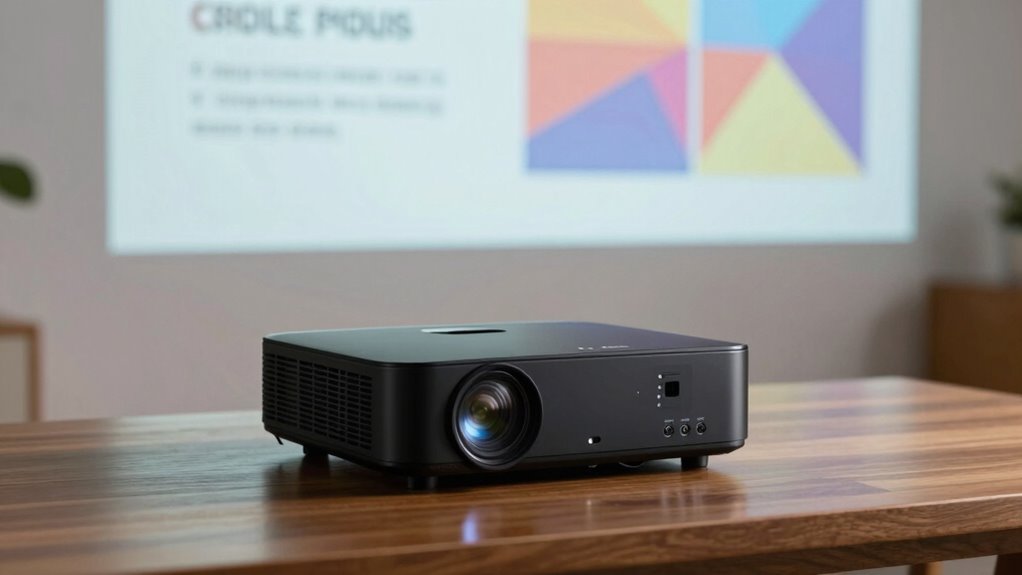

To choose a projector suited for presentations, focus on high resolution, clear image quality, and versatile port options like HDMI or USB-C for easy device connection. You want sharp, detailed visuals that are easy to read from a distance, not just a large, immersive image. Adjustability for focus and compatibility with your devices are key. If you’re interested in understanding what else makes a presentation projector stand out, keep exploring the details.

Prime made for students and young adults
- Fast, free delivery for dorm and study essentials
- Prime Video and Amazon Music included
- Member-only deals
Key Takeaways
- High display resolution (1080p or above) ensures clear, legible text and detailed visuals for presentations.
- Multiple port options (HDMI, VGA, USB-C) enable easy, reliable connection to various devices.
- Adjustable focus and compatibility allow quick setup and crisp images regardless of screen size or setup.
- Emphasizes image clarity and fine details to effectively communicate information visually.
- Prioritizes brightness and contrast over immersive effects, suitable for detailed graphics and text rather than cinematic impact.
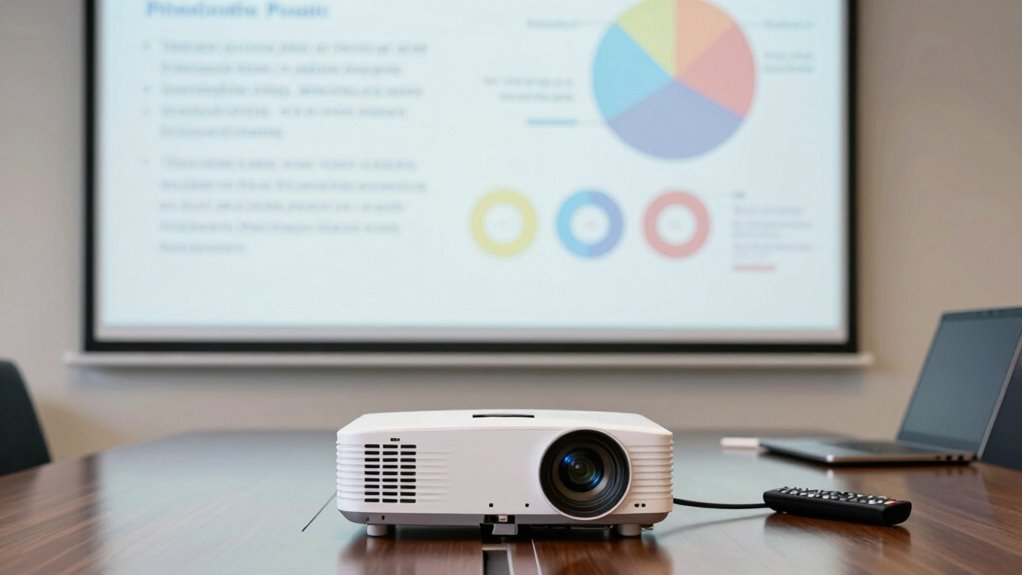
Have you ever wondered why some projectors excel during presentations while others are better suited for movies? The answer often comes down to a few key features that influence how well a projector performs in different scenarios. When it comes to presentations, display resolution and port compatibility play essential roles. You want a projector that can clearly display text, charts, and detailed images without distortion or pixelation. A higher display resolution, such as 1080p or higher, ensures that your slides are sharp and legible from the back of the room. This clarity is critical because audiences need to easily read your points, see fine details, and understand complex visuals without straining their eyes. Unlike movies, which can often mask lower resolutions with visual effects or larger images, presentations demand crisp, detailed output that communicates your message effectively.
Port compatibility is another fundamental aspect that makes a projector suitable for presentations. During a meeting or conference, you’re likely to connect your device via HDMI, VGA, or USB-C. A projector with versatile port options allows you to effortlessly connect your laptop, tablet, or even smartphone without the hassle of adapters or incompatible connectors. This flexibility saves you time and prevents technical difficulties, ensuring your presentation starts smoothly. For instance, if your laptop only has USB-C, having a projector that supports that connection means fewer interruptions. Compatibility also extends to wireless options, which are increasingly common—and highly convenient—allowing you to project content from your device without cluttering the space with cables. Additionally, selecting a projector with adjustable focus can help ensure image clarity at different distances and screen sizes, further enhancing presentation quality. Moreover, understanding the importance of resolution helps you choose a device that maintains image sharpness even when projecting on larger screens.
In contrast, projectors designed primarily for movies often prioritize large image size, high contrast ratios, and immersive audio-visual experiences. They might have lower resolutions or fewer port options because the focus is on visual impact rather than clarity of text or detailed graphics. Movie projectors tend to emphasize brightness and color accuracy for cinematic effects, not necessarily the sharpness needed for reading small text or intricate data.
In essence, a projector meant for presentations is optimized for clarity, ease of connection, and detailed visuals. It’s about making sure your audience can see and understand your content easily, not just creating a big, stunning image. So, when choosing a projector for your next presentation, focus on display resolution and port compatibility—these features ensure your message comes across loud and clear, every time.
As an affiliate, we earn on qualifying purchases.
Frequently Asked Questions
Can a Home Theater Projector Be Suitable for Presentations?
Yes, a home theater projector can be suitable for presentations if it offers clear image quality and good sound quality. You’ll want one with high resolution and brightness to display text and visuals sharply. While designed mainly for movies, many home theater projectors perform well in presentation settings, especially if they have built-in speakers or support external sound systems. Make sure it’s easy to operate and connects seamlessly to your devices.
What Is the Ideal Brightness for Presentation Projectors?
Think of your presentation as a vibrant painting coming to life. For this, you need a projector with an ideal brightness of around 3,000 to 4,000 lumens. This guarantees sharp image quality and vivid colors, even in well-lit rooms. The contrast ratio enhances detail, making text crisp and visuals striking. With this brightness, your message shines clearly, engaging your audience without the glare or dullness dulling your presentation’s brilliance.
Which Connectivity Options Are Best for Business Presentations?
For business presentations, wireless connectivity is a top choice because it lets you easily connect your device without clutter. Look for projectors with multiple input options like HDMI, VGA, and USB, so you can connect different devices effortlessly. This versatility guarantees smooth shifts between laptops, tablets, or smartphones. Having both wireless and multiple input options helps you deliver seamless, professional presentations, no matter what device you’re using.
How Important Is Portability for Presentation Projectors?
Portability is absolutely essential—imagine rushing to a critical presentation and your bulky projector slows you down or won’t fit in your bag! Portability benefits mean you can effortlessly carry your projector anywhere, ensuring you’re always prepared. Plus, it helps with storage considerations, saving space and avoiding clutter. A lightweight, compact projector makes your life easier, keeps your setup simple, and guarantees you’re ready to impress anytime, anywhere.
Do Presentation Projectors Support Interactive Features?
Yes, presentation projectors often support interactive features, enhancing your engagement with the audience. These features include touch or pen input, allowing you to annotate slides directly, and wireless connectivity for seamless collaboration. Modern projection technology makes this possible, offering crisp images and responsive interactivity. By choosing a projector with interactive capabilities, you can make your presentations more dynamic, memorable, and effective, fostering better understanding and participation from your viewers.
As an affiliate, we earn on qualifying purchases.
Conclusion
Choosing a projector for presentations is like picking the right lens for a camera—you want clarity, brightness, and sharpness. I once saw a presenter struggle with a dim, blurry image, missing key points, like trying to read a map in fog. When you opt for a projector designed for presentations, you guarantee your message shines bright and clear, just like a lighthouse guiding ships safely ashore. Make the right choice, and your audience will follow your lead effortlessly.
adjustable focus business projector
As an affiliate, we earn on qualifying purchases.
As an affiliate, we earn on qualifying purchases.
As an affiliate, we earn on qualifying purchases.
Halloween Picks
halloween
As an affiliate, we earn on qualifying purchases.