
📊 Full opportunity report: Best Thermal Paste and Pads for High-TDP GPUs on ThorstenMeyerAI.com — validation score, market gap, and execution plan.

Prime made for students and young adults
- Fast, free delivery for dorm and study essentials
- Prime Video and Amazon Music included
- Member-only deals
TL;DR
This article reviews the best thermal pastes and pads for high-TDP GPUs used in AI and continuous workloads. Honeywell PTM7950 stands out for long-term stability, while Arctic MX-6 and Noctua NT-H2 offer reliable traditional options. Reusable Kryosheet provides a durable alternative for enthusiasts.
Honeywell PTM7950 phase-change material is now recognized as the best thermal interface for high-TDP GPUs operating continuously, due to its resistance to pump-out and long-term stability, making it ideal for AI and inference workloads.
Traditional thermal pastes often degrade over time under sustained heat, leading to increased GPU temperatures and potential performance throttling. Recent testing and user reports indicate that phase-change materials like Honeywell PTM7950 maintain low thermal resistance over years of continuous operation, unlike conventional pastes such as Kryonaut, which can dry out faster under constant load.
For ease of application, Arctic MX-6 remains a popular choice, offering non-conductive, durable performance with a lifespan of 8–10 years. Noctua NT-H2 is also recommended as a reliable premium traditional paste that balances performance and ease of use. Additionally, Thermal Grizzly Kryosheet, a graphene-based reusable pad, provides a long-lasting alternative, though it requires careful handling due to its electrical conductivity.
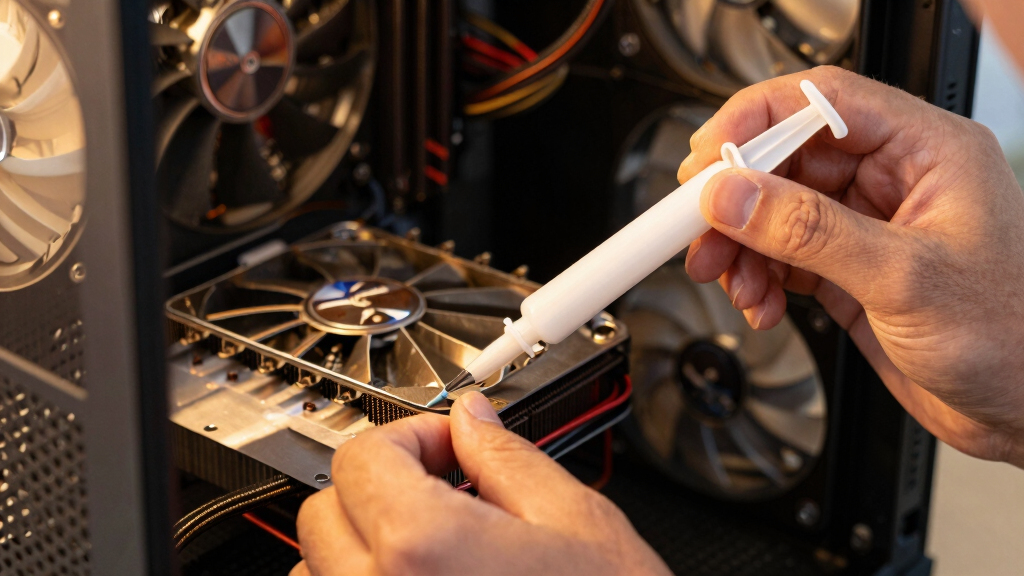
Best thermal paste
for a high-TDP GPU.
The standard “coldest on day one” advice is wrong for a 24/7 rig. Continuous heat slowly squeezes traditional paste out — a failure called pump-out — so the real question is what stays cold for years.
Why Long-Term Stability Matters for AI and Continuous Workloads
Choosing the right thermal interface material can significantly impact GPU longevity, performance consistency, and noise levels in AI and inference setups. Long-lasting materials like PTM7950 reduce the need for frequent re-pasting, lowering maintenance and risk of thermal degradation, which is critical for 24/7 high-power operations.
best thermal paste for high TDP GPUs
As an affiliate, we earn on qualifying purchases.
As an affiliate, we earn on qualifying purchases.
Evolving Thermal Management Strategies for High-Power GPUs
Most guides focus on gaming GPUs, emphasizing low initial temperatures. However, AI and inference GPUs run hot continuously, making pump-out a key concern. Historically, traditional pastes like Kryonaut performed well initially but showed signs of degradation over time. The adoption of phase-change materials like Honeywell PTM7950 reflects a shift toward long-term stability for sustained workloads.
"For a 24/7 inference GPU, the key is stability over years, not just low initial temperatures. PTM7950 is the best choice for long-term reliability."
— Thorsten Meyer, tech reviewer
phase-change thermal interface material for GPU
As an affiliate, we earn on qualifying purchases.
As an affiliate, we earn on qualifying purchases.
Remaining Questions About Long-Term GPU Thermal Management
While PTM7950 shows promise for long-term stability, real-world long-term data over multiple years is limited. Compatibility with various GPU models and ease of application for DIY users also vary, and further testing is ongoing to confirm durability across different workloads and environments.
reusable graphene thermal pad for GPU
As an affiliate, we earn on qualifying purchases.
As an affiliate, we earn on qualifying purchases.
Next Steps for GPU Cooling Optimization in AI Workstations
Manufacturers and users are expected to conduct extended testing of phase-change materials like PTM7950 in diverse AI and inference setups. Future developments may include easier application methods and new materials that combine durability with simplicity, alongside updates to best practices for GPU maintenance.
long-lasting thermal paste for continuous workloads
As an affiliate, we earn on qualifying purchases.
As an affiliate, we earn on qualifying purchases.
Key Questions
Is Honeywell PTM7950 suitable for all high-TDP GPUs?
PTM7950 is highly recommended for continuous workloads and high-power GPUs, but compatibility and application ease should be checked for specific models and use cases.
How often should I reapply thermal paste on a high-TDP GPU?
Traditional pastes may need reapplication every 2–3 years under continuous high load, while phase-change materials like PTM7950 typically last much longer without reapplication.
What are the risks of using thermal pads like Kryosheet?
Kryosheet is electrically conductive, so improper handling can cause shorts. It requires precise cutting and placement, making it more suitable for experienced users.
Can I switch between traditional paste and phase-change materials?
Yes, but ensure proper cleaning and preparation of surfaces before applying a different type of thermal interface material to avoid performance issues.
Does using better thermal interface materials improve GPU lifespan?
Yes, maintaining optimal thermal contact reduces thermal stress, which can extend GPU lifespan and improve stability during prolonged operation.
Source: ThorstenMeyerAI.com
Halloween Picks
halloween
As an affiliate, we earn on qualifying purchases.